Digital IO
Forty channels for discrete states and outputs.
 Industrial hardware, explained.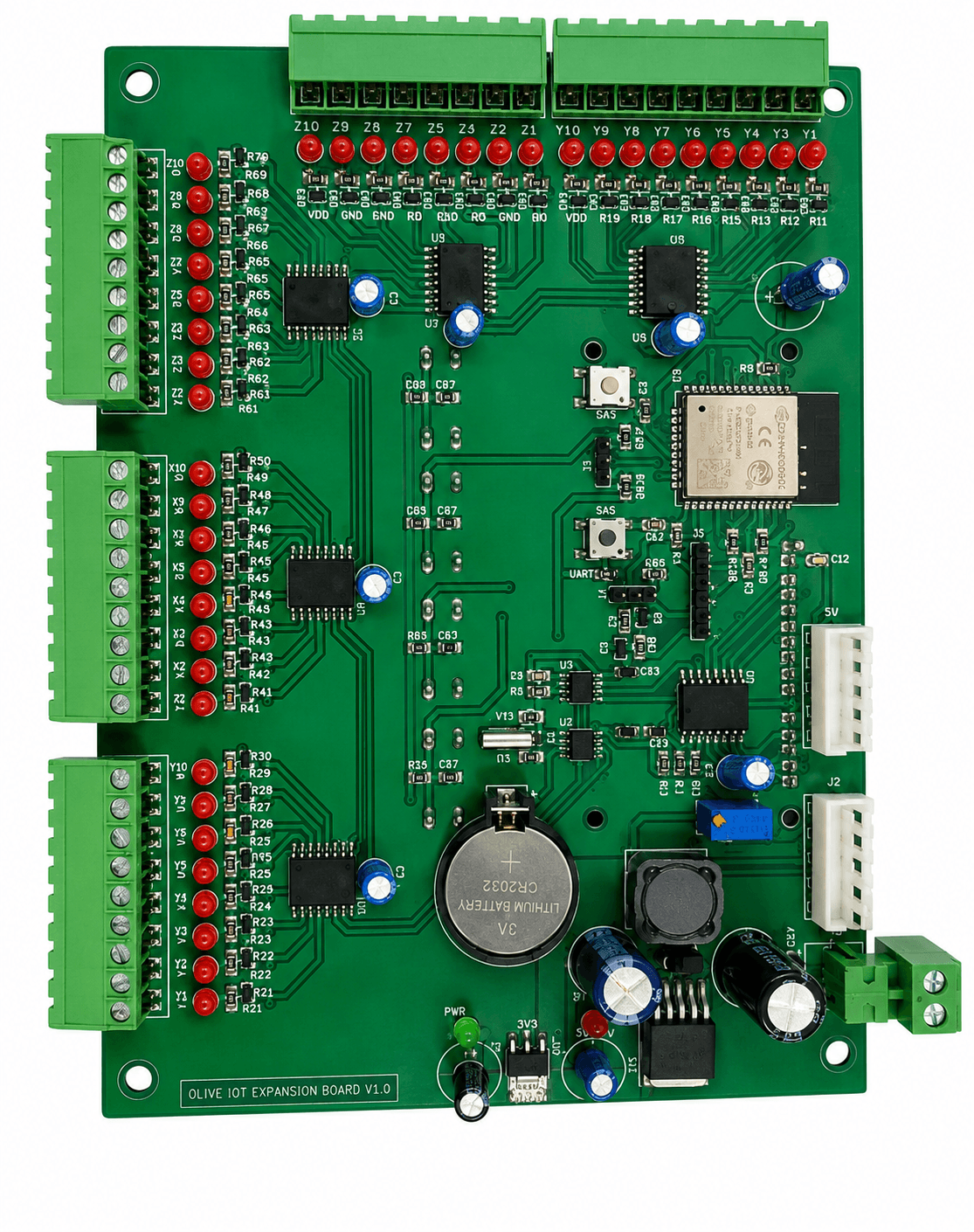
IO expansion
High-density ESP32 digital I/O expansion for panels and machine control.
A digital input/output expansion board for machine control and PLC-replacement applications, designed to simplify high-channel-count monitoring and control.
Hardware, connectivity, power and expansion details.
Core features
Suitable applications
Communication and interfaces
These are the supported hardware interfaces and protocols stated for this product.
Forty channels for discrete states and outputs.
Panel-oriented field wiring points.
Local configuration and connectivity.
Local status, menu operation and time-based behaviour.
Student view
Learn how a control panel maps physical switches, sensors and actuators into software signals.
Example projects showing what this product can read, control and report. Each requires the appropriate sensors, connected equipment and application software.
Example: connect compatible part-present switches and machine-state signals to assigned digital inputs. Program a sequence that reads those states and drives suitable indicators or actuator-interface circuits through the configured outputs.
Example: collect dry-contact or otherwise electrically compatible status signals from rooms and service equipment. Display named states on the LCD and use configured outputs for local indicators or suitable control interfaces.
Example: wire low-voltage push buttons, switches and indicators to documented IO channels. Students implement a sorting or sequencing exercise, then use the LCD menu to inspect states and practise fault finding.